1
Smart groups
Automatically groups by time, bursts, visual similarity, location, and screenshots.
 Photo Dedup
Photo Dedup groups duplicates and bursts on your iPhone — privately, on-device. Swipe or compare, keep what matters, delete the rest.
No account · No ads · Photos never leave your iPhone
Burst shots, near-duplicates, screenshots, and lookalikes pile up fast. Photo Dedup helps you tidy them without uploading anything.
Automatically groups by time, bursts, visual similarity, location, and screenshots.
Quick swipe review (↑ keep, ↓ delete) or side-by-side compare when you want precision.
Select multiple keepers in a group, then remove the rest in one confirm.
Highlights sharper photos and stronger faces so you decide faster.
Browse by date, multi-select, zoom the grid, and clear space with confidence.
Send keepers through the system share sheet — Messages, WeChat, and more.
Designed so you can start cleaning in minutes — not after creating an account.
Prefer “All Photos” so grouping can see your full recent library.
Open Review, then swipe or compare. Keep one or several shots per group.
Confirm once. Deleted items go to Recently Deleted so you can recover if needed.
Analysis runs on your iPhone. We don’t run a photo-upload backend for this app, and we don’t use third-party ad or analytics SDKs.
Review, timeline, settings, and compare — the tools you use every cleanup session.
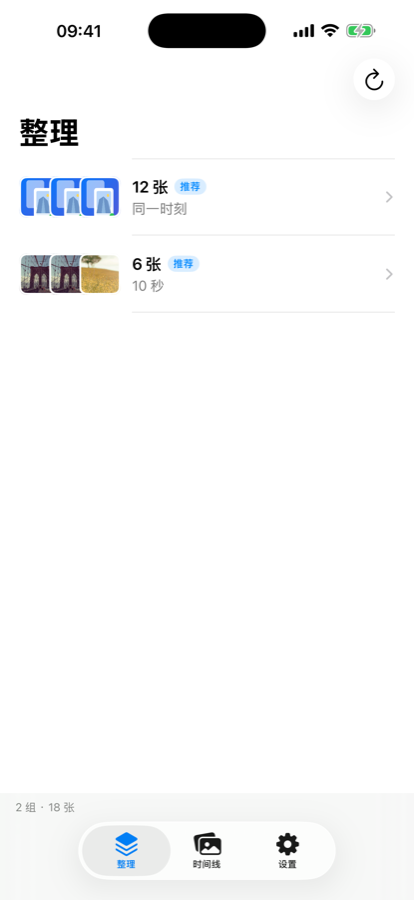
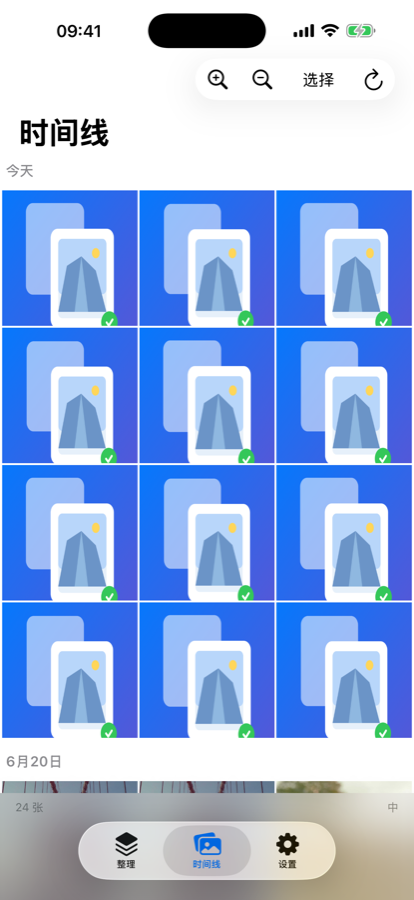
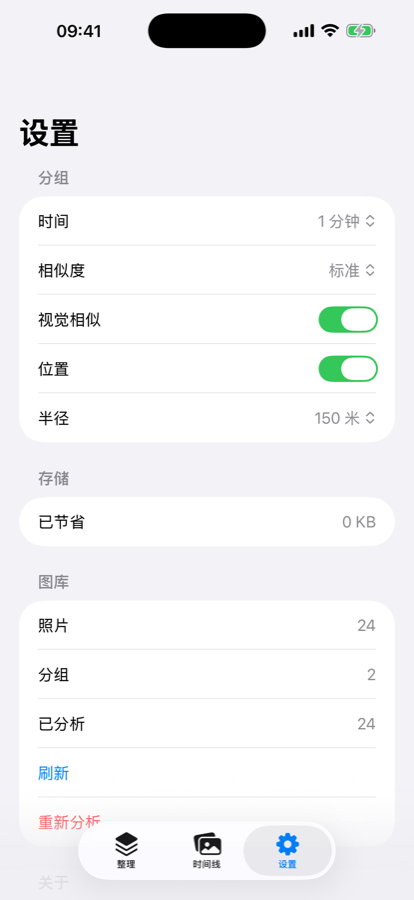
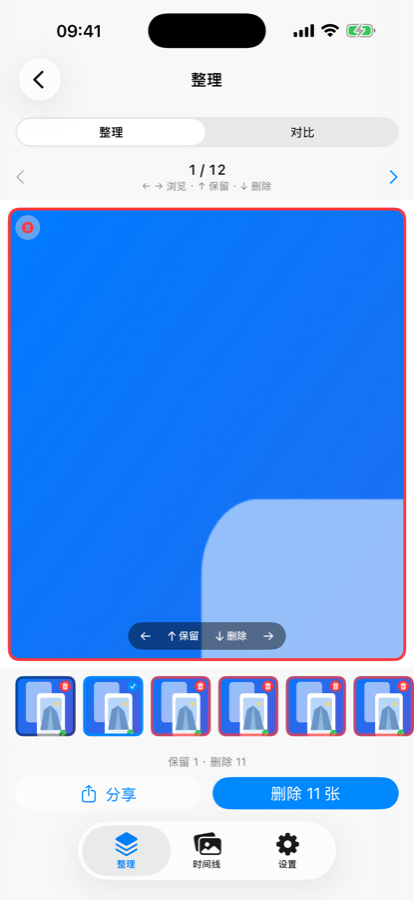
Photo Dedup is free on the App Store. Download once, clean anytime.